
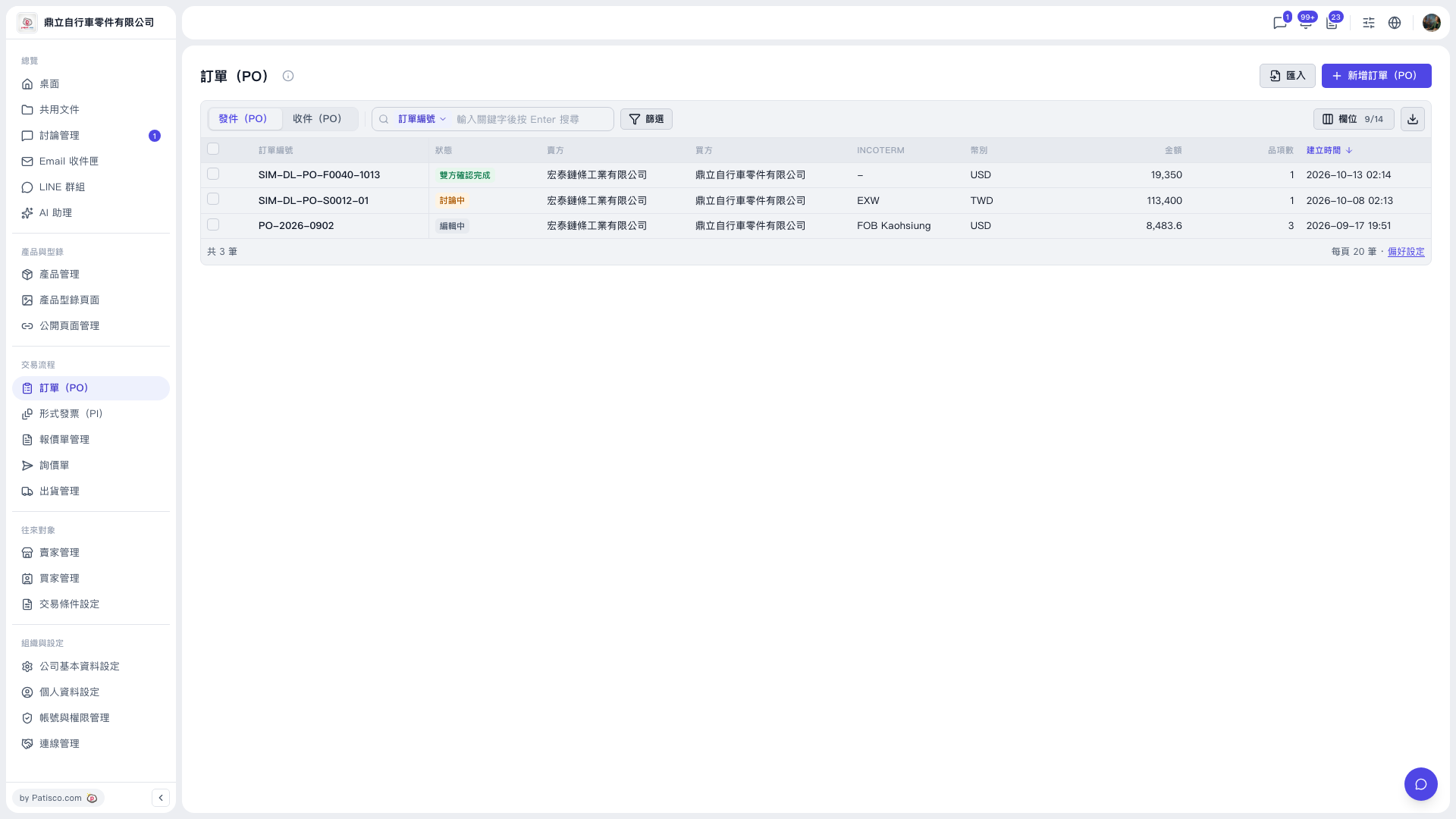
1. Find a PO: enter a keyword in the search box on the toolbar above the list (the default field is PO number) and press Enter; or click "Filter" to narrow the results with conditions. 2. View or edit an existing PO: click the PO number in the list to open that PO. 3. Add a new PO: click the purple "Add PO" button at the top right, fill in the PO information, and save. To create one from a file, click "Import" to its left. 4. Adjust displayed columns: click "Columns" at the top right of the list (for example, showing 9/14) and check the columns you want to display. 5. Export the list: click the download icon at the far right of the toolbar. 6. To change the number of rows per page, click "Preferences" at the bottom right of the list.
 V5 新桌面版|訂單(PO)