
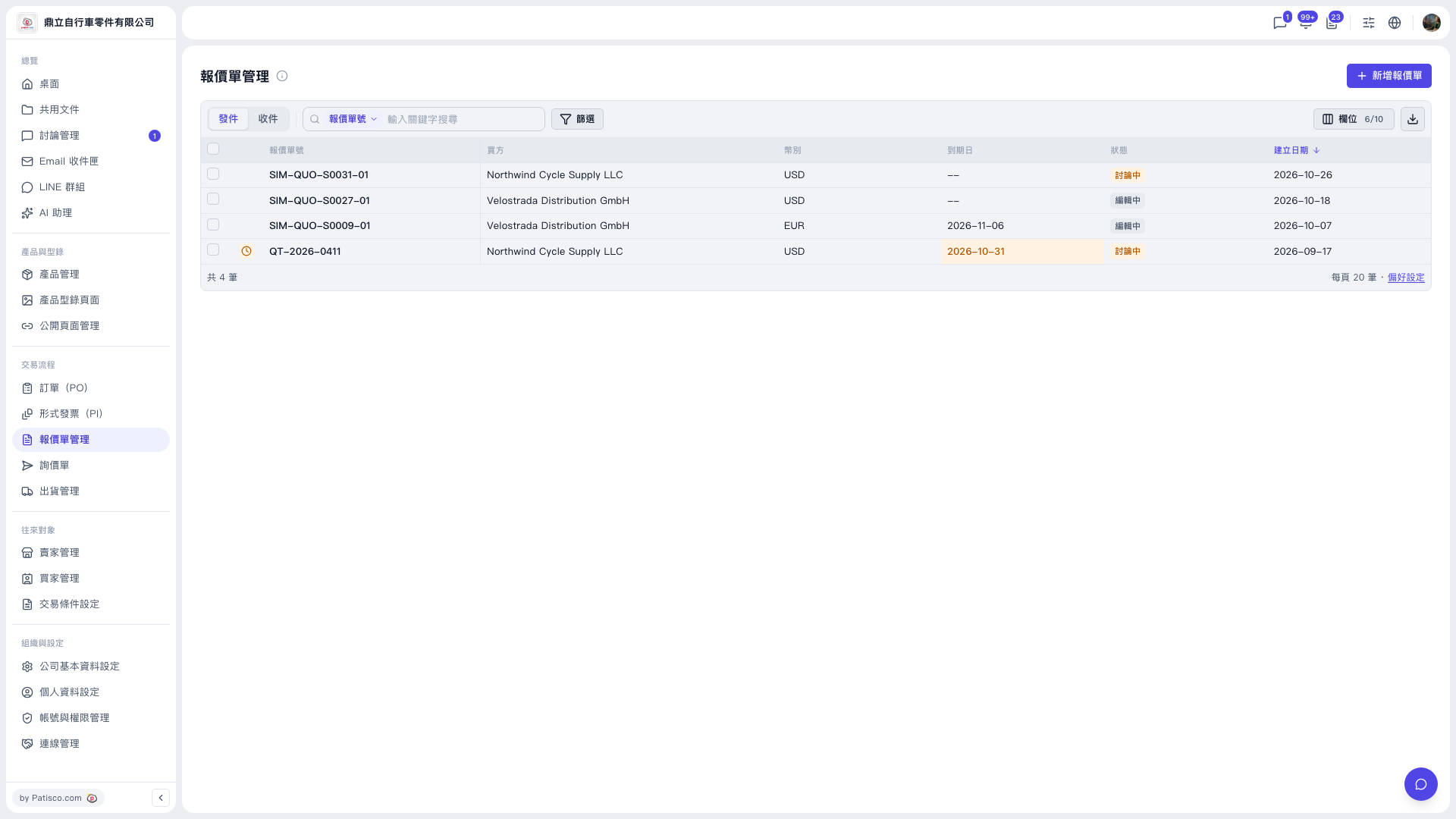
1. In the left sidebar, under "Trading Flow", click "Quotation Management" to open the Quotation Management page. 2. In the tabs at the top left of the list, select "Sent" to see the quotations you issued; select "Received" to see the quotations you received. 3. The list shows columns such as the checkbox, quotation number, buyer, currency, expiry date, status, and creation date. 4. To adjust which columns are displayed, click "Columns 6/10" on the toolbar at the top right of the list to customize them.
 V5 新桌面版|報價單管理