
1. In the left-hand list of "Discussion Management", open the discussion thread. 2. In the "Discussion info" panel on the right, find the email participant you want to remove in the participant count and list (for example, einkauf@velostrada.example). 3. Click "Remove from discussion" next to that participant, and they will be removed from the participant list.
In current testing, email participants can be removed without any problem.
Known issue: The discussion thread itself cannot be deleted, because the upstream deleteDiscuss is not supported and V5 has no delete endpoint. Even after you remove participants, the thread remains in the discussion list.
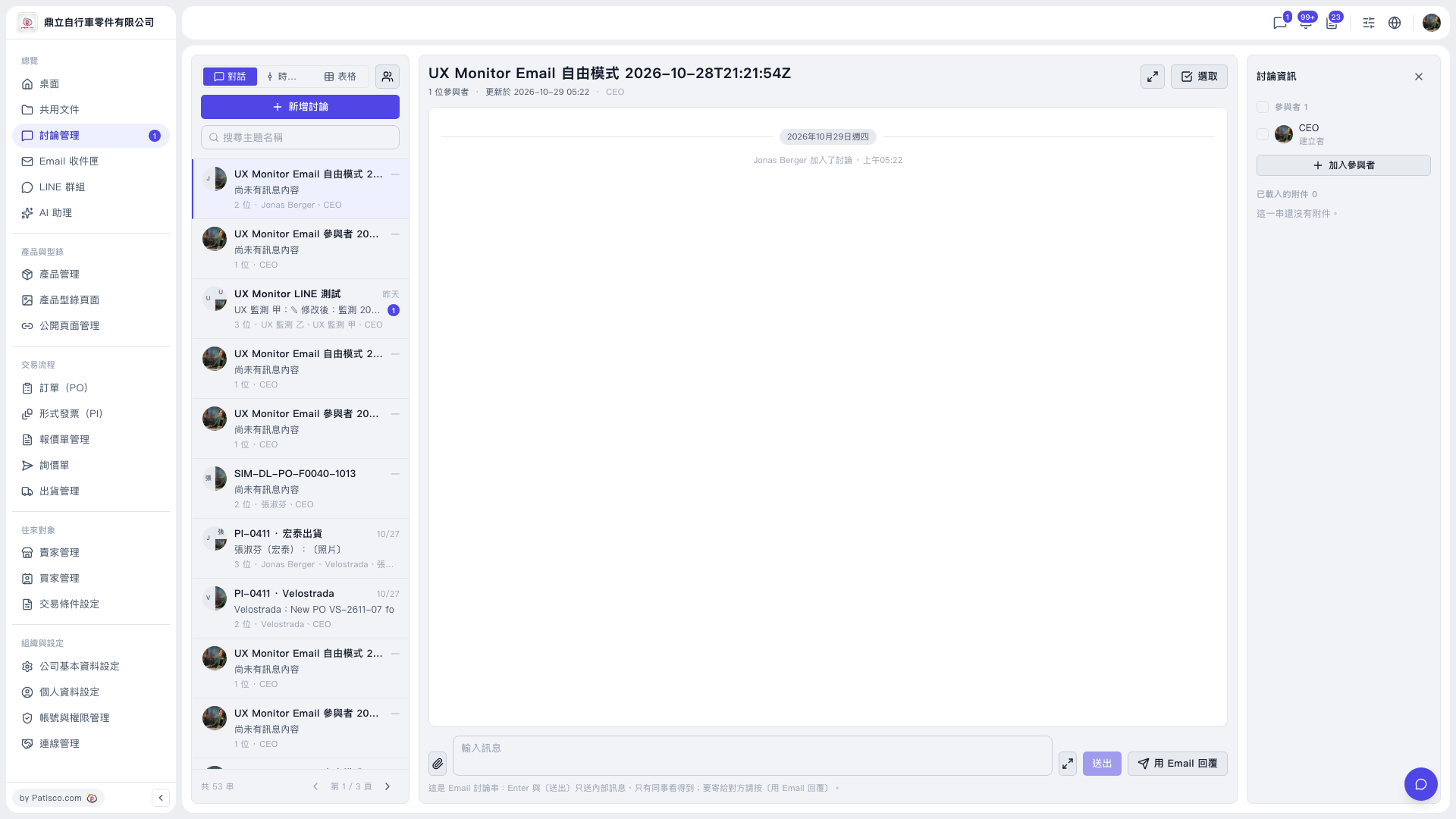 V5 新桌面版|討論管理