
1. Type your content in the "Type a message" field at the bottom center of the screen. 2. If you only want internal colleagues to see it, click "Send" (or press Enter). This is an internal message and is not emailed to the other party. 3. To send it to an external participant (for example, Jonas Berger), click "Reply by email" at the bottom right, and the message will be sent as an email. 4. If you need to attach a file, first click the paperclip icon on the left of the input box to upload the file, then choose how to send.
Reminder: To reply by email, the Discussion info panel must already contain an external participant marked "Email".
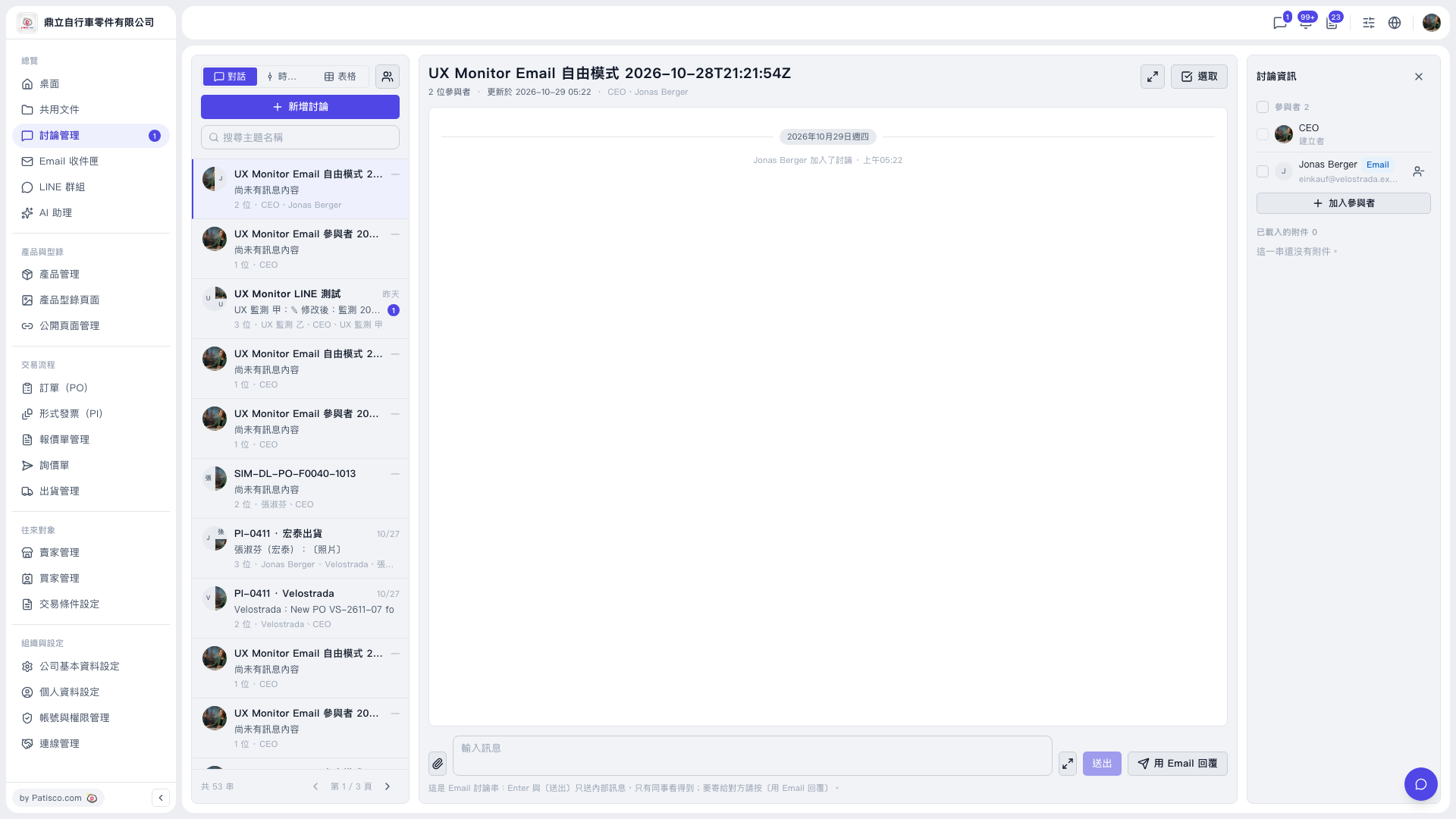 V5 新桌面版|UX Monitor Email 自由模式 2026-10-28T21:21:54Z(討論管理)