
1. In the left sidebar, click "Discussion Management" and open the thread you want to handle. 2. At the bottom right of the center panel, click "Reply by email" to reply to this thread by email instead. 3. If you want to add the other party first, go to the "Discussion info" panel on the right and click "Add participant". 4. After reviewing the information, you can click "Close (X)" at the top right of the right panel to collapse it. If "Unsaved changes will be lost" appears, save first if you want to keep your edits; click "Discard changes" only if you don't need them.
Known status: No problems were found in this step during testing.
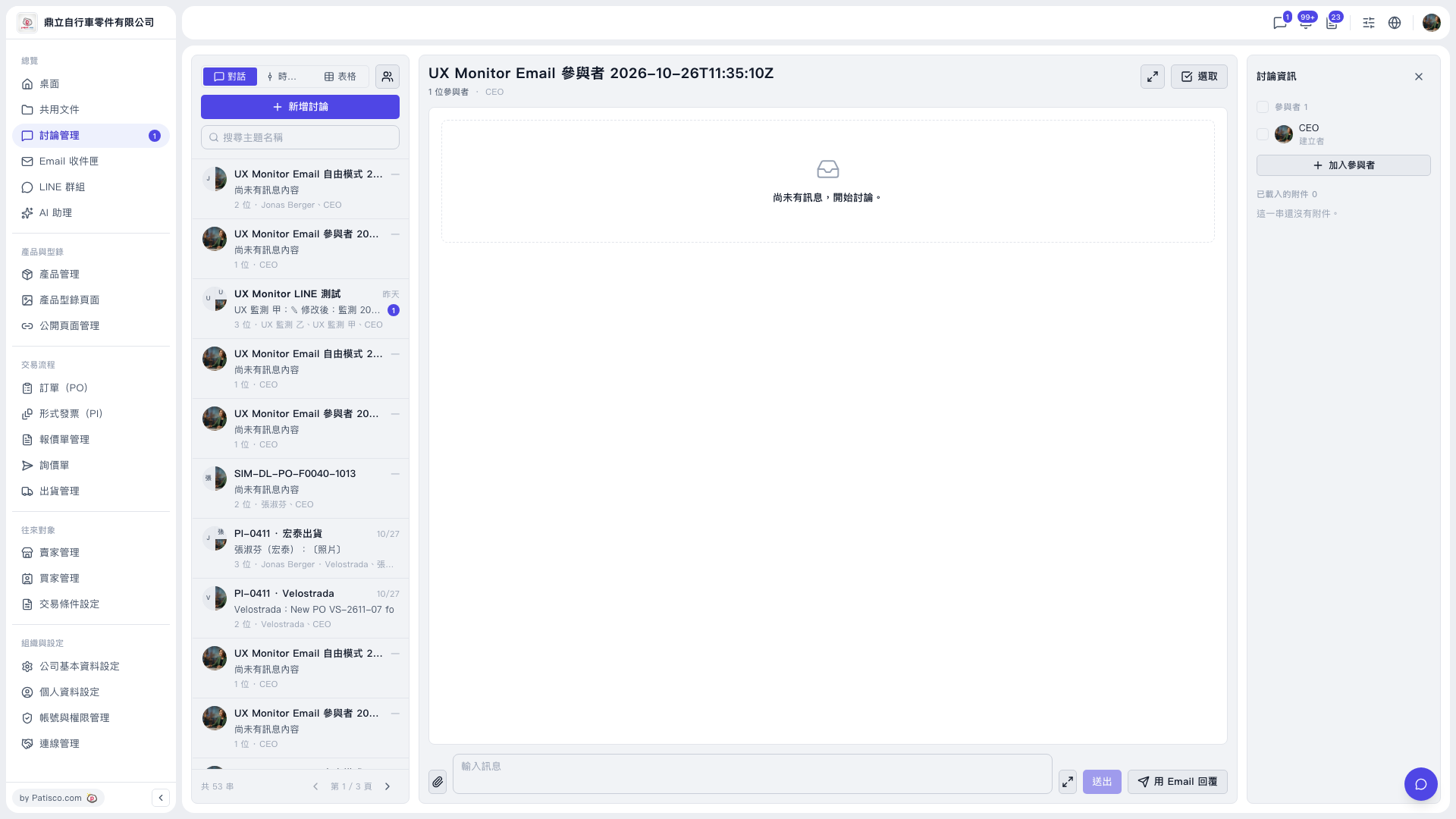 V5 新桌面版|UX Monitor Email 參與者 2026-10-26T11:35:10Z(討論管理)