
1. In "Discussion Management", click the thread you want to handle (for example, SIM-DL-PO-F0040-1013). 2. Look at the "Discussion info" panel on the right. You can check the referenced documents, participants, and loaded attachments there. 3. To invite someone else, click "Add participant" in the panel. 4. If "Unsaved changes will be lost" appears when you close the panel midway, it means some changes haven't been saved. Click [Discard changes] if you don't want to keep them; to keep them, save first and then close.
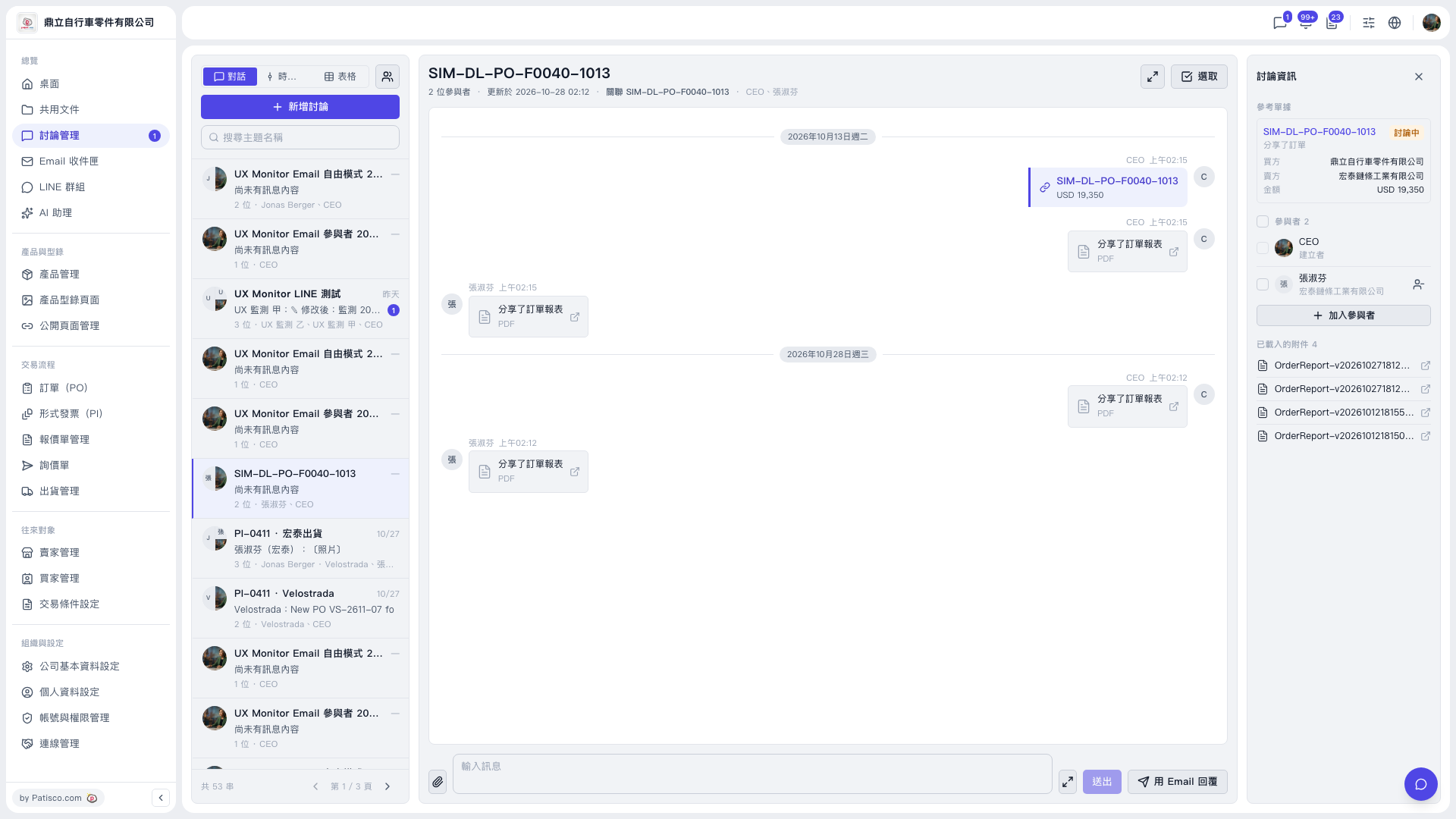 V5 新桌面版|討論管理(討論串:SIM-DL-PO-F0040-1013)