
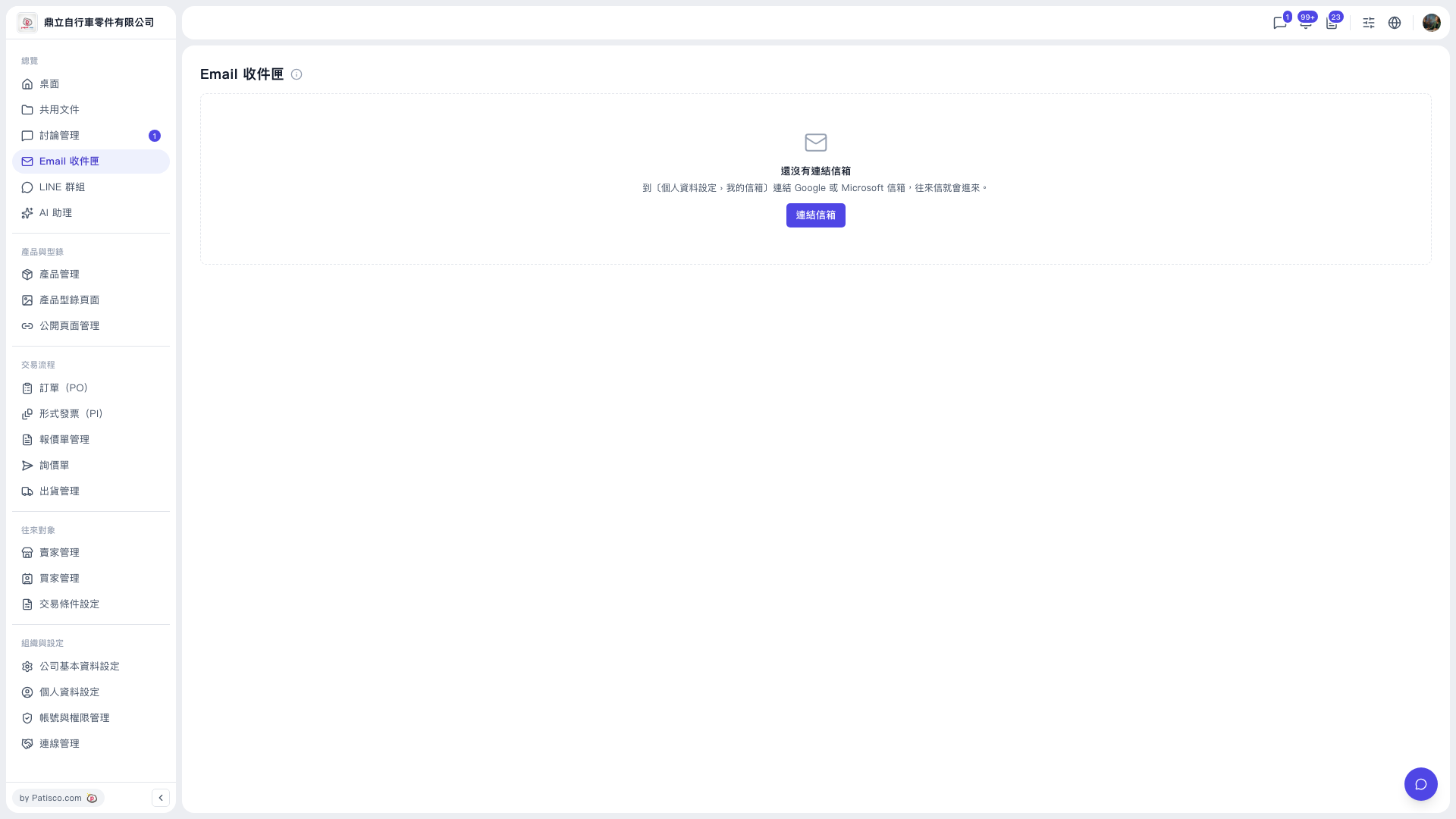
1. Log in to the new V5 desktop version (https://v5.patisco.com). 2. Find "Overview" in the left sidebar. 3. Click "Email Inbox" under "Overview". 4. Once inside, the page title shows "Email Inbox". There is an info icon (i) on the right of the title; click it to see a description of the inbox's features.
If you have not linked a mailbox yet, the screen shows an empty-state card saying "No mailbox linked yet". This is normal. The tabs appear only after you link a mailbox.
 V5 新桌面版|Email 收件匣