
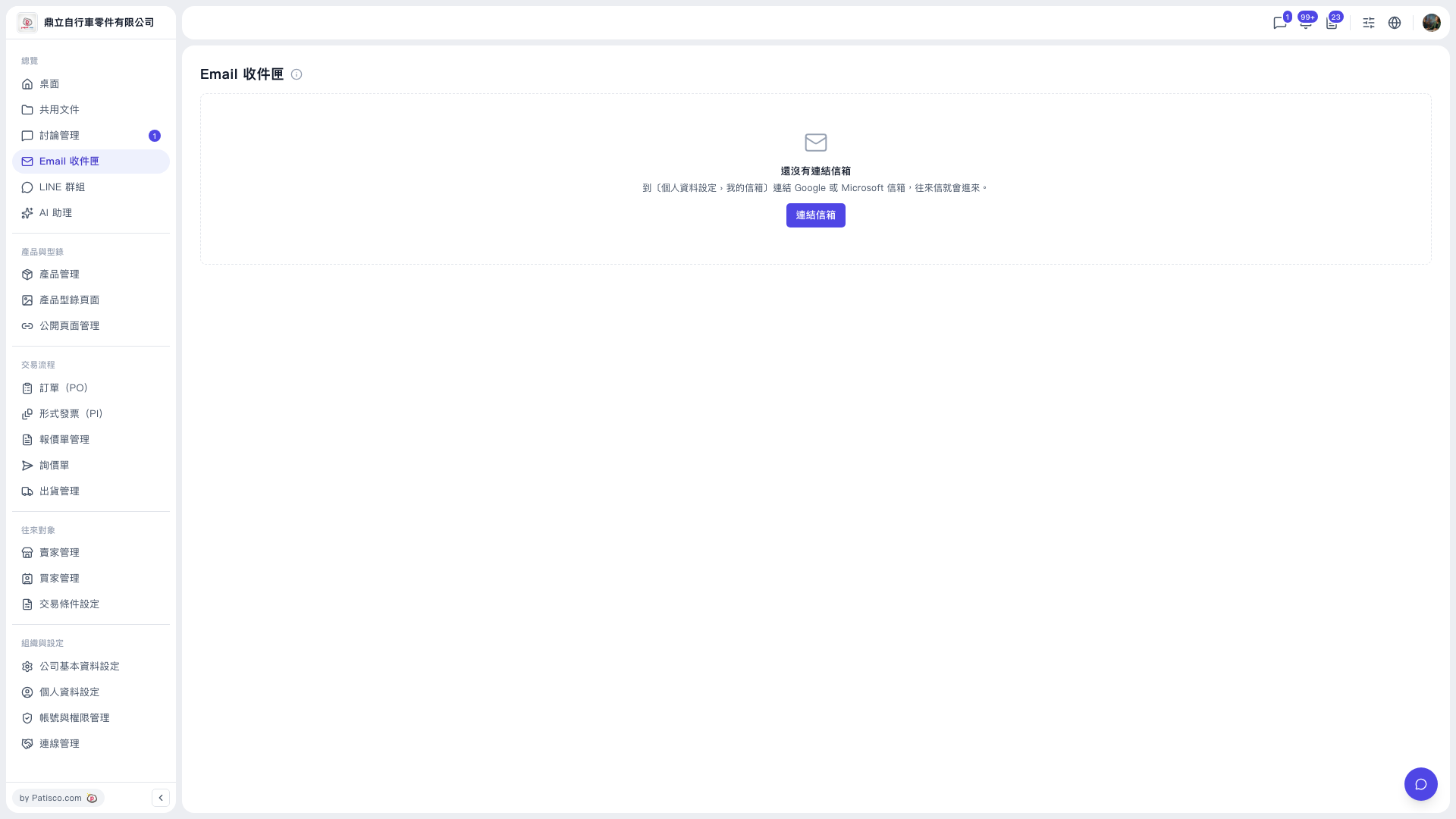
1. On the card in the middle of the Email Inbox page, click the "Link mailbox" button. 2. Follow the on-screen instructions to choose a Google or Microsoft mailbox. 3. Complete the authorization. 4. After linking is complete, go back to the Email Inbox, and your correspondence will appear in the list.
You can also link from "My Mailbox" in "Profile Settings".
If you run into problems during the process, click the chat/support button at the bottom right to open a support or assistance conversation.
 V5 新桌面版|Email 收件匣