
1. In the PO details, open the "Discussion" panel on the right and click "Compose" or "Email to…". 2. On the compose screen, find "Attach PDF of this PO". It is checked by default. 3. Confirm the PDF language (the default is "English"). 4. Confirm the recipient and send. The email the seller receives will include the PO PDF.
Note: This screen currently has no "Attach payment link" option. Do not assume it is broken just because you cannot find it.
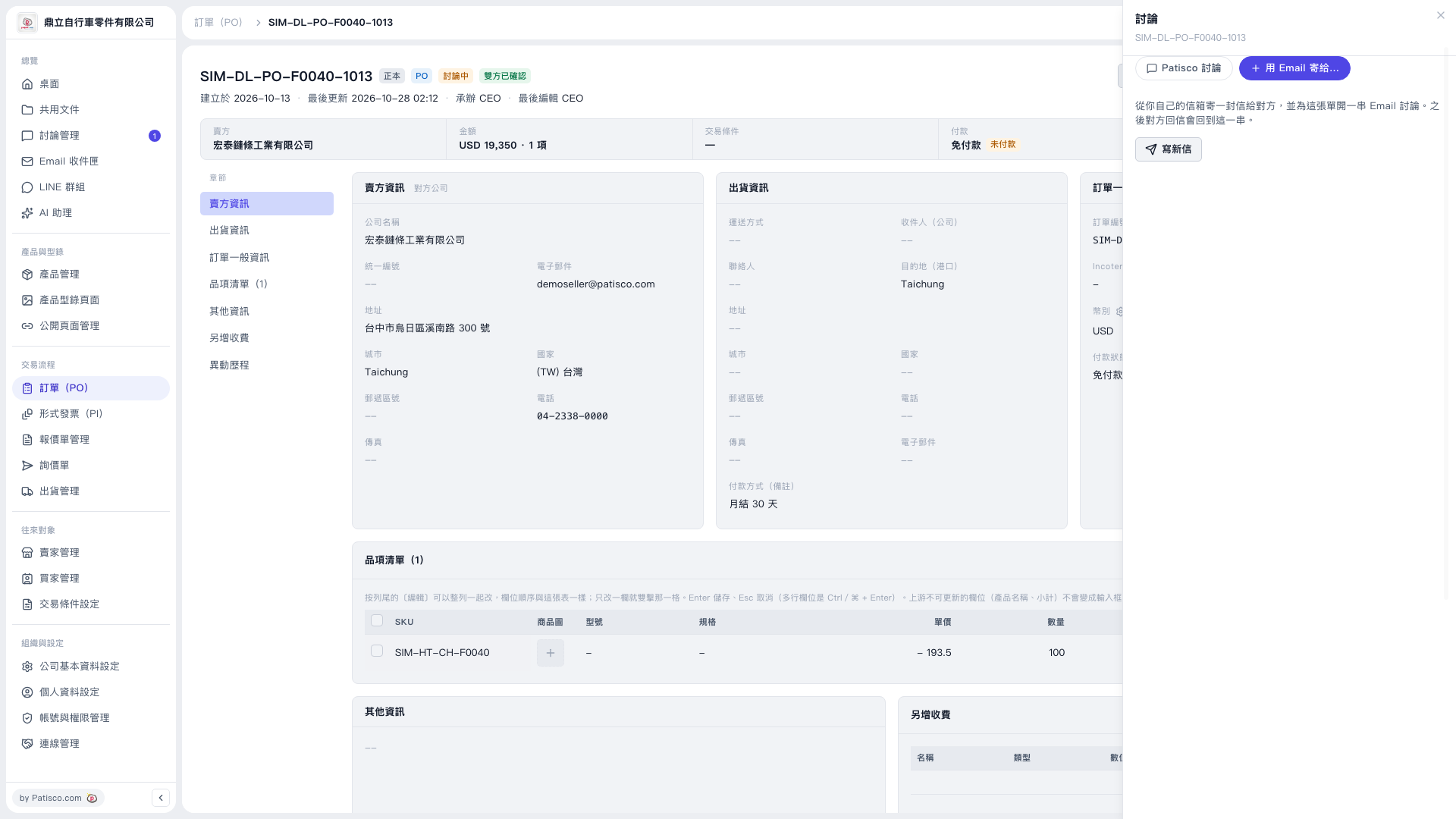 V5 新桌面版|SIM-DL-PO-F0040-1013(訂單詳情,右側開啟「討論」面板)