
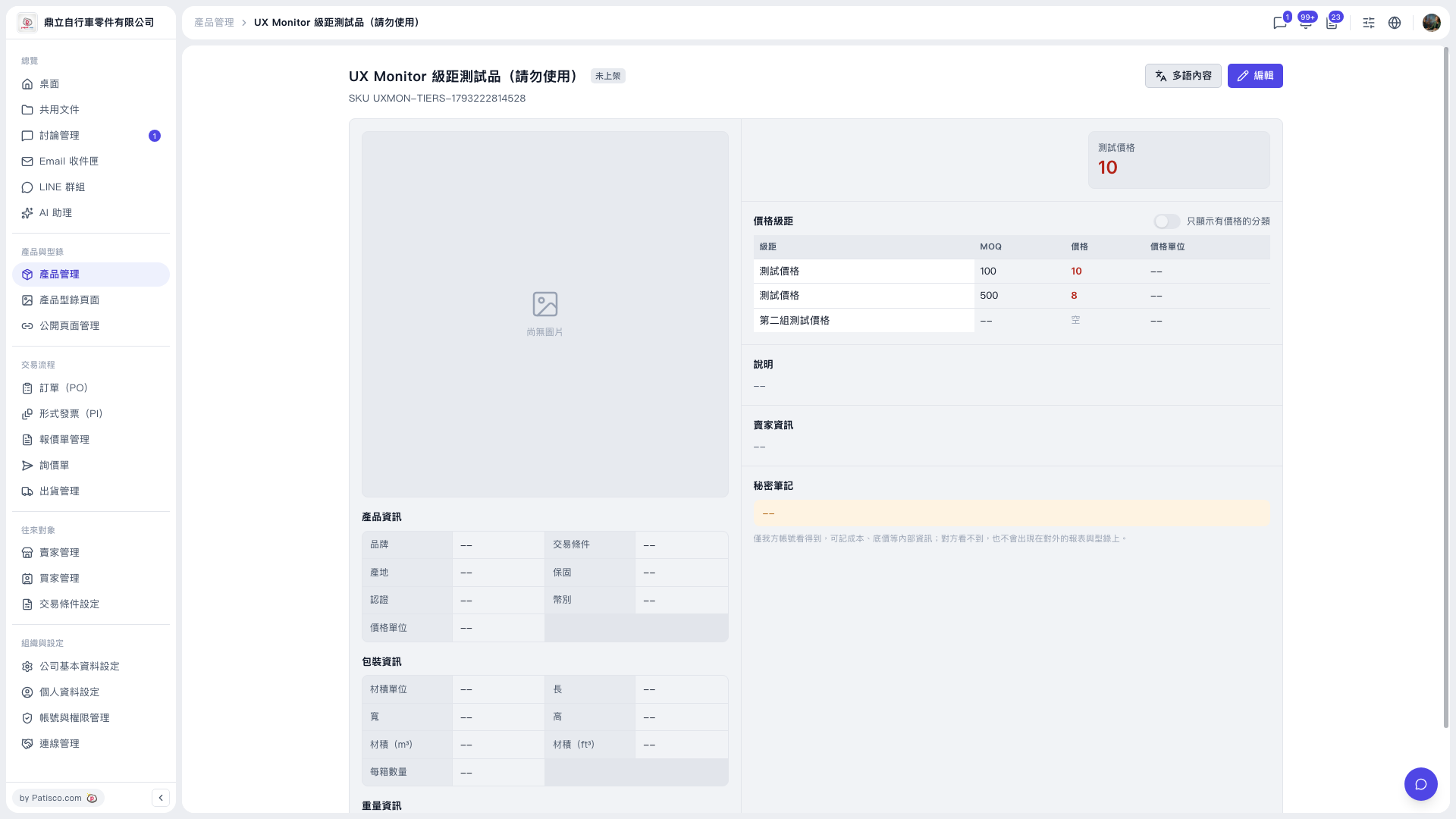
1. Click "Product Management" in the left sidebar and select the product you want to view. 2. In the "Price tiers" section of the product detail page, you can see the MOQ, price, and price unit of each tier. 3. If you only want to see the tiers that have prices set, turn on the "Show only categories with prices" toggle at the top right of the price tiers section. 4. To edit the tiers, click "Edit" at the top right. To manage multilingual content, click "Multilingual content" to the left of "Edit". 5. To return to the product list, click "Product Management" in the breadcrumb at the top of the page.
 V5 新桌面版|UX Monitor 級距測試品(請勿使用)