
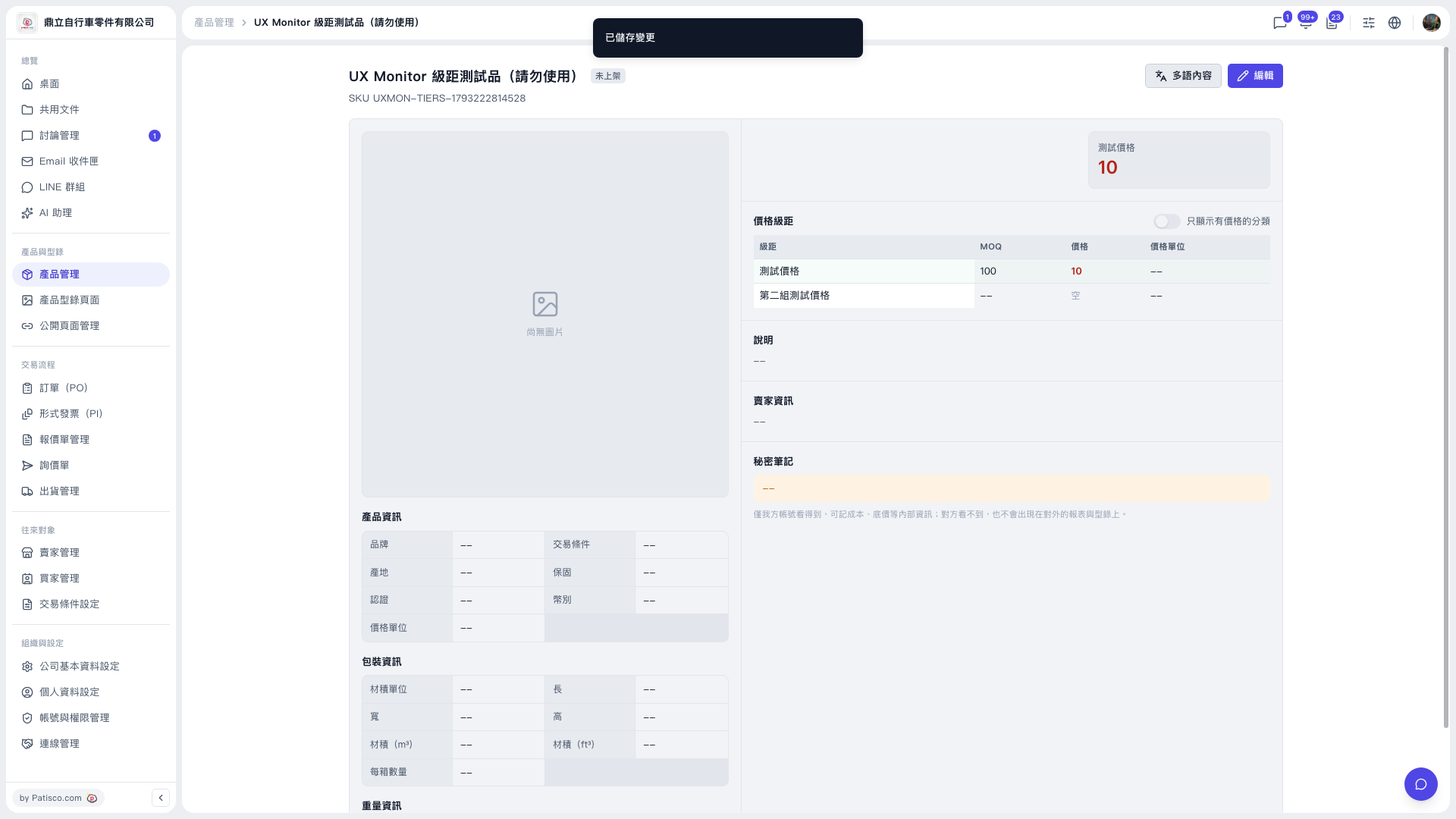
1. Click "Product Management" in the left sidebar and open the product you want to edit from the list. 2. On the product detail page, click the purple "Edit" button at the top right to enter edit mode. 3. In the "Price tiers" section, find the second tier row and delete it. 4. If needed, check that the MOQ, price, and price unit of the remaining tiers are correct. 5. After you save, the message "Changes saved" appears at the top of the page, and the price tiers table updates to the latest content.
Test result: After deleting the second tier and saving, the product had only one tier left (MOQ 100, price 10).
 V5 新桌面版|UX Monitor 級距測試品(請勿使用)