
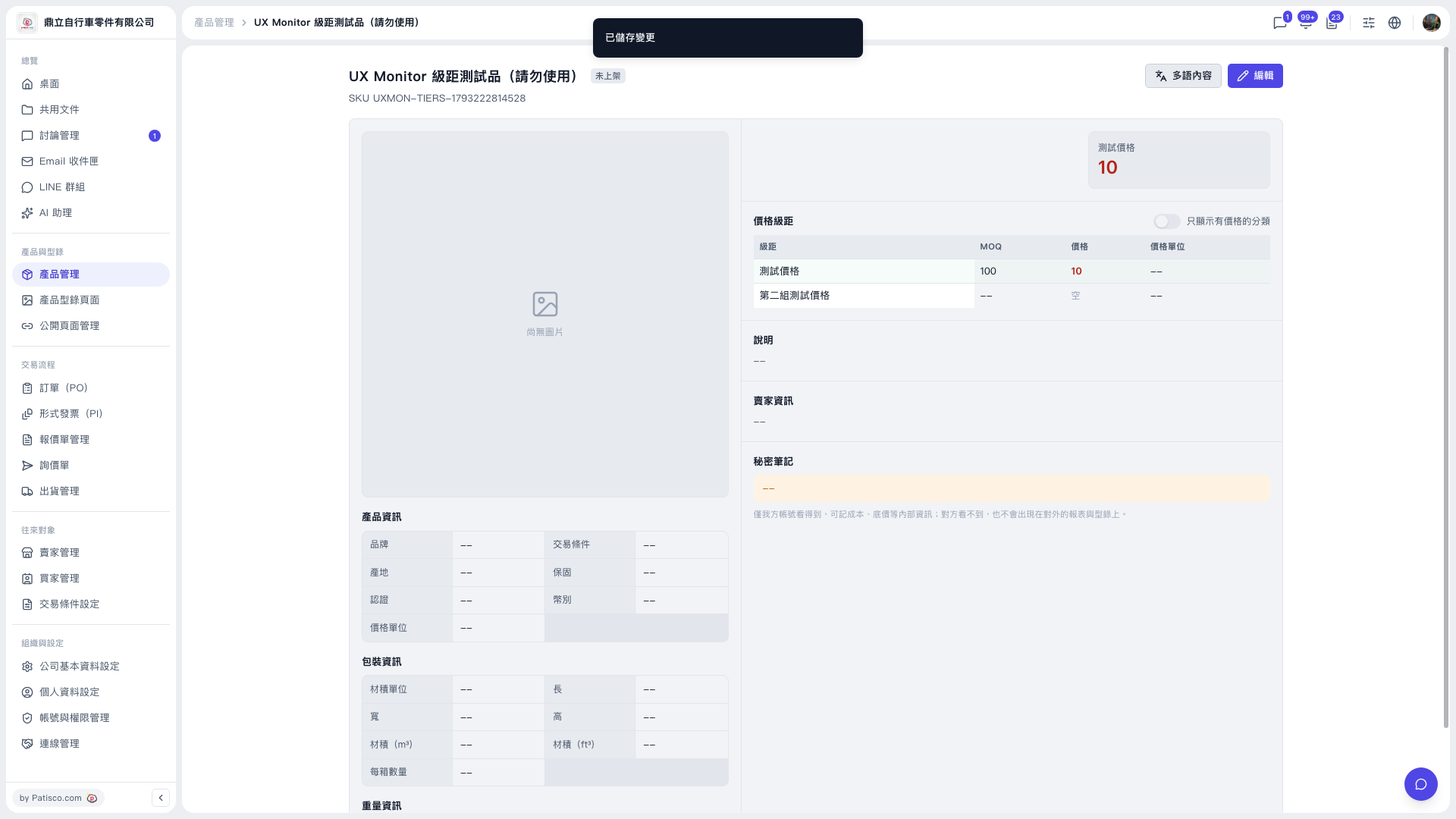
1. Open the product you want to view from the "Product Management" list. 2. Find the "Price tiers" section on the product detail page. 3. Click the "Show only categories with prices" toggle at the top right. 4. When it is on, the tiers table shows only the tiers with prices filled in. Turn the toggle off to show all tiers again.
Tip: This toggle only filters the display and does not delete any tiers. To delete a tier, first click "Edit" at the top right to enter edit mode, then make the change.
 V5 新桌面版|UX Monitor 級距測試品(請勿使用)