
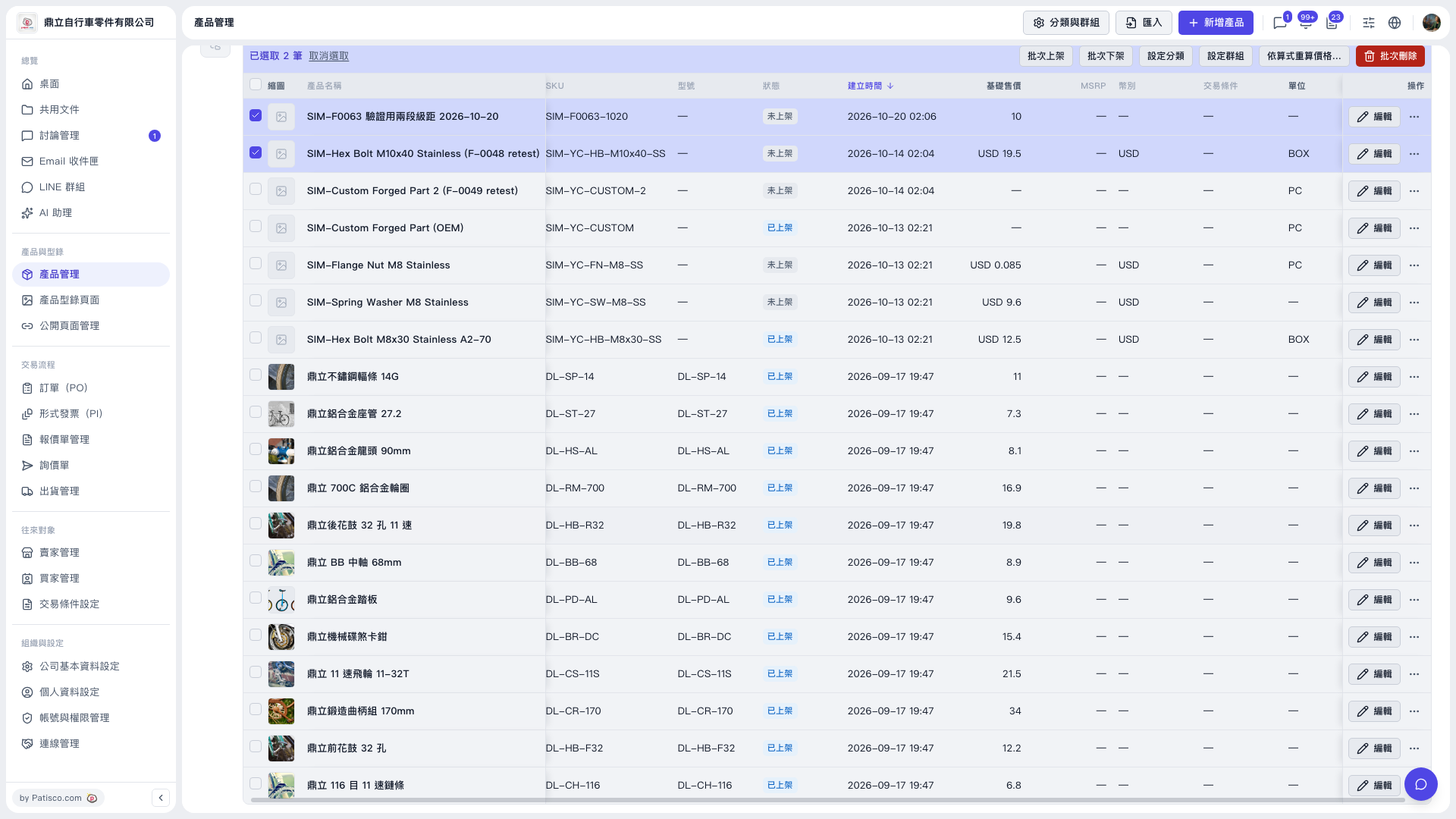
1. In the "Product Management" list, check the products whose prices you want to recalculate (multiple allowed). 2. In the bulk action bar above the list, click "Recalculate prices by formula...". 3. The system shows a preview listing the result for each product, with counts divided into "Fill in", "Overwrite", "Keep", and "Skip". 4. After confirming the preview is correct, click the main button in the window: "Fill only" or "Overwrite all". The button shows "Write N items". No data is written until you click it.
Example (demo account): The price category "Test Price" is the base, and "Second Test Price" = base -15%, rounded to the nearest integer, MOQ follows base. After selecting 2 products, the preview shows 0 to fill in, 0 to overwrite, 2 to keep, and 0 to skip, so both main buttons show "Write 0 items", meaning neither of these 2 products currently needs changes.
 V5 新桌面版|產品管理