
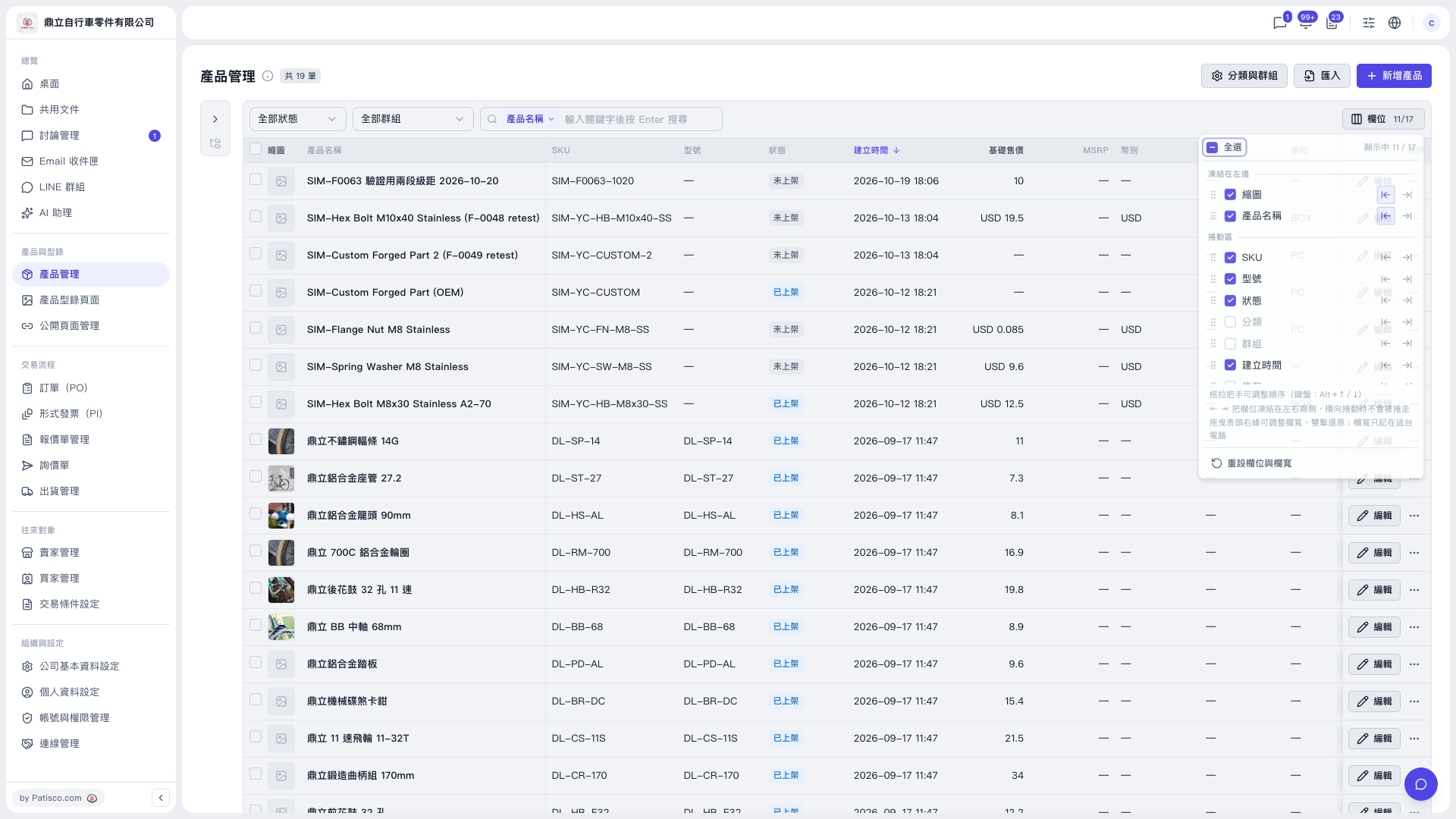
1. Click "Columns 11/17" above the table to open the columns panel. 2. To freeze a column, click the freeze icon on the right side of that column to freeze it on the left. Click it again to move it back to the scroll area. 3. To change the order, drag the handle on the left side of a column, or use the Alt+↑/↓ keyboard shortcut. 4. To restore everything, click "Reset columns and widths" at the bottom of the panel. Column visibility and column widths return to their default values.
 V5 新桌面版|產品管理