
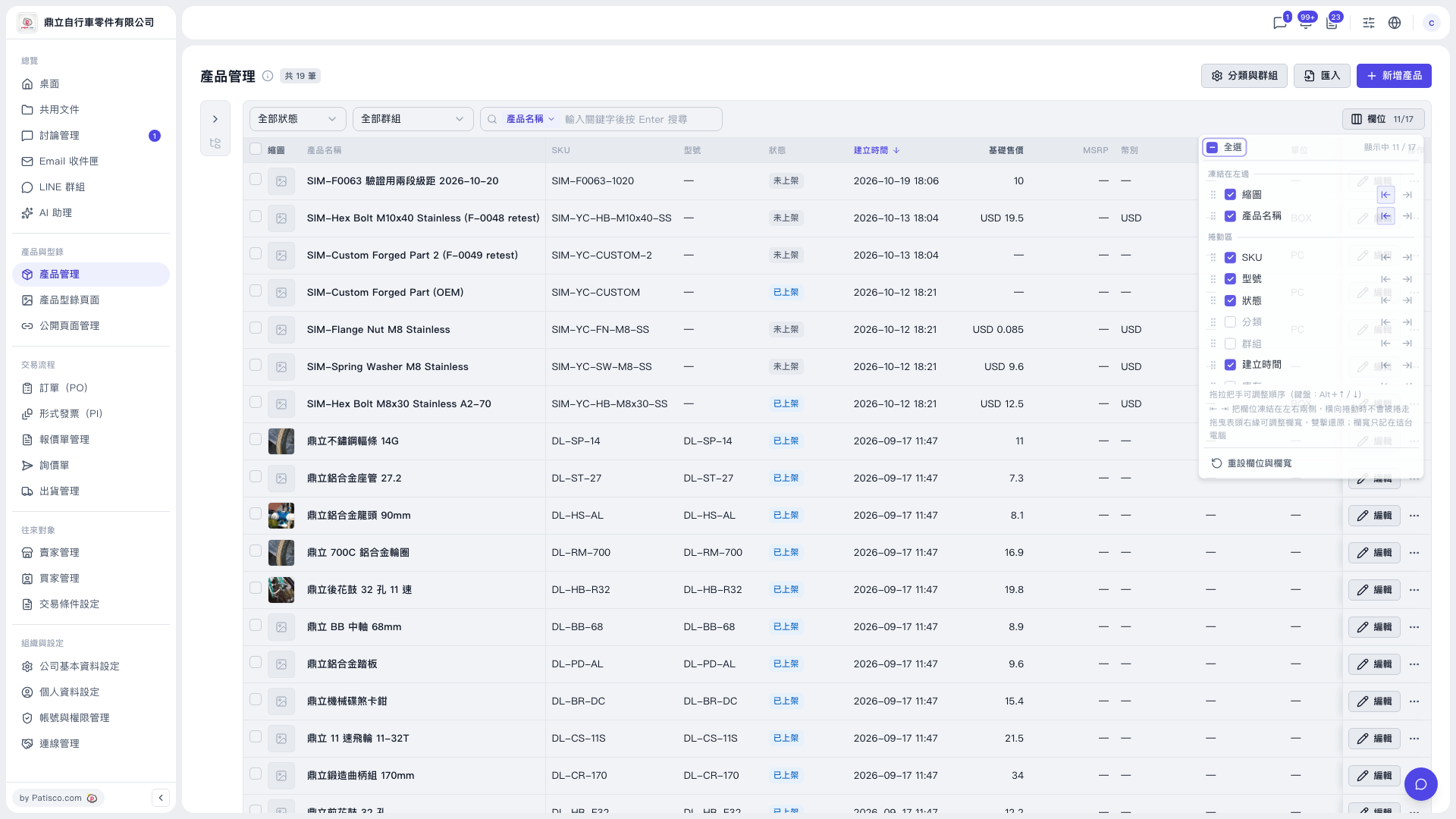
1. In the left sidebar, click "Product Management" under "Products & Catalogs". 2. Click the "Columns 11/17" button on the right side of the toolbar above the table to open the column settings panel. 3. Check or uncheck column names (for example Category, Group, Base selling price, MSRP, Currency, Unit) to decide which columns the table shows. To check or uncheck all columns at once, click "Select all" at the top of the panel. 4. Click anywhere outside the panel to close it.
Note: "11/17" on the button means 11 columns are currently shown out of 17 selectable columns.
 V5 新桌面版|產品管理