
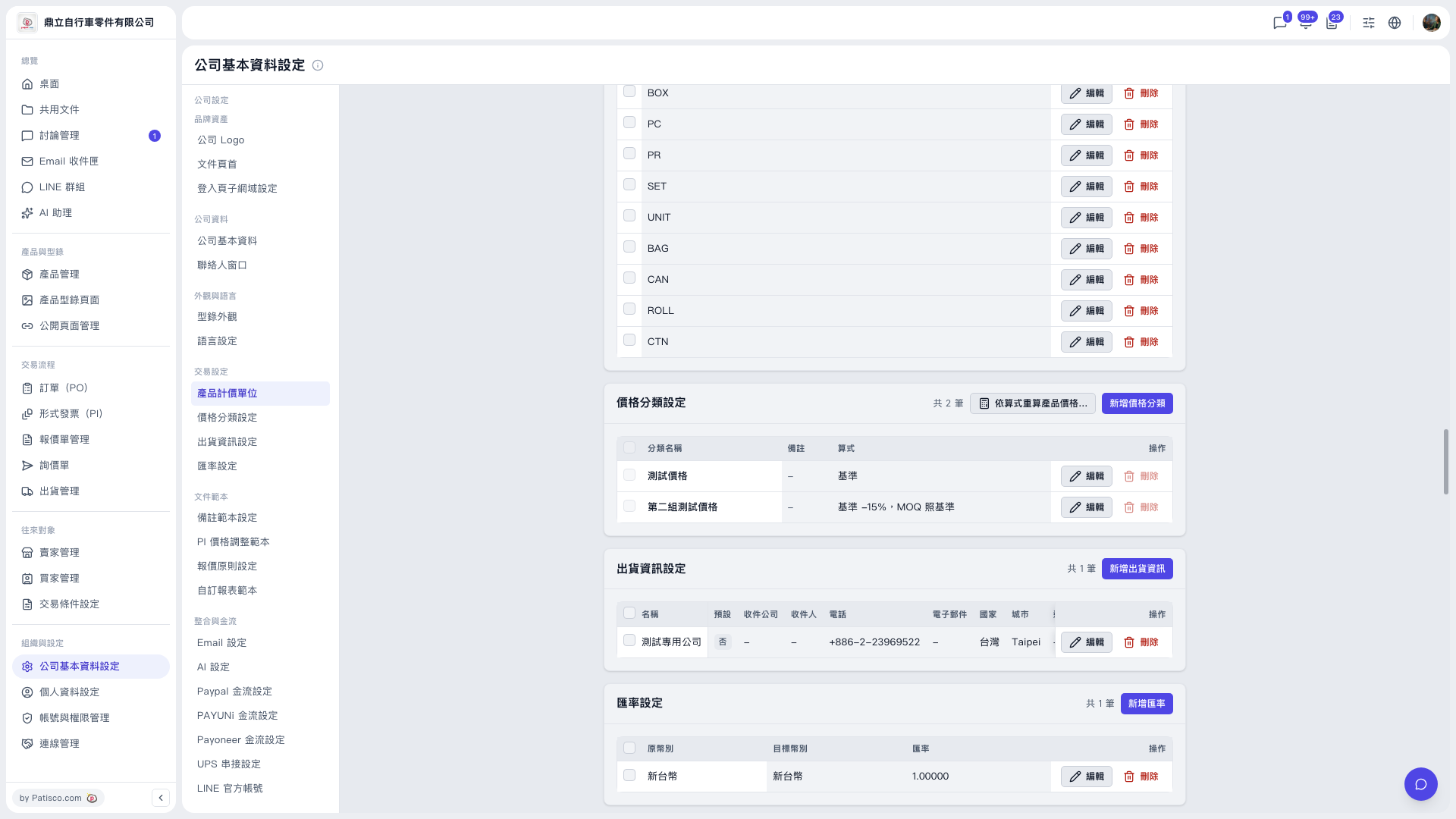
1. In the left sidebar, click “Company Profile Settings”, then go to “Price Category Settings”. 2. Click “Add Price Category” in the top right of the “Price Category Settings” section. 3. Fill in “Category Name”, “Remarks”, and “Formula”, then save. 4. To modify an existing category, click “Edit” on the right of that row.
Note: Currently, the “Delete” buttons on the two price category rows are grayed out and cannot be clicked. After adding a category or changing a formula, remember to update product prices with “Recalculate product prices by formula...”.
 V5 新桌面版|公司基本資料設定