
1. In the “Value Mapping” step of the “Batch Create Products” dialog, find the “Currency” section. 2. Confirm that “All matched” is displayed and that TWD in the file is mapped to “(TWD) New Taiwan Dollar”. 3. If it is mapped incorrectly, change it by selecting the correct currency from the dropdown in the “Mapped to” column of the currency table. 4. When everything looks right, click “Next” at the bottom right to go to Step 4, “Check & Fix”.
To go back and change the column mapping, click “Back” to return to Step 2, “Column Mapping”.
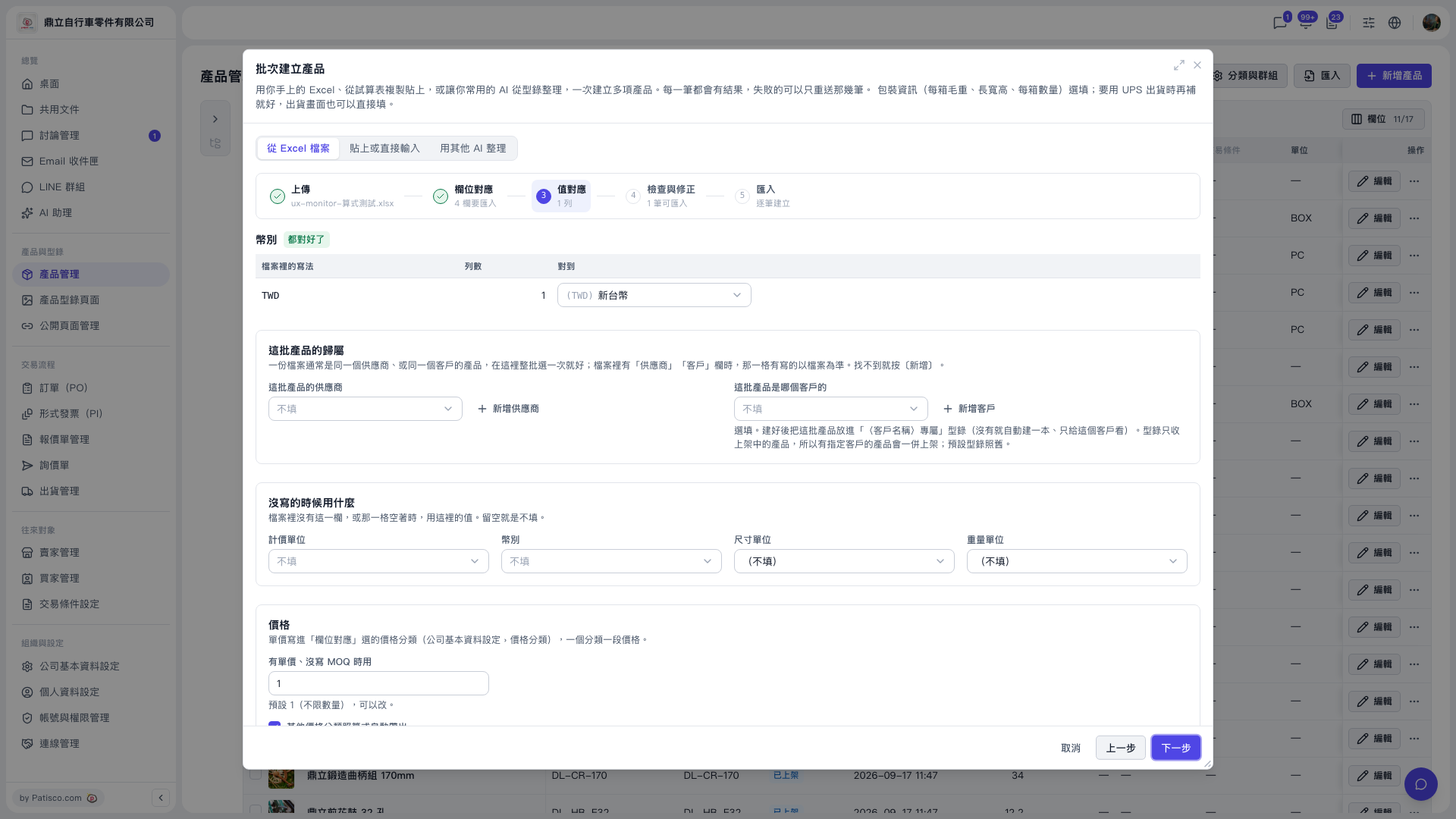 V5 新桌面版|批次建立產品(產品管理頁面上的對話框)