
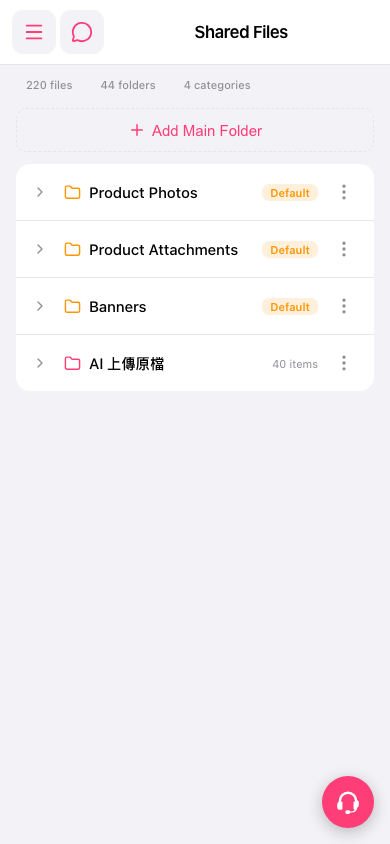
1. In the Shared Files folder list, find the folder you want to view. Each row shows the folder name, a Default tag, and the number of items (for example, 40 items). 2. Tap the ">" expand arrow at the far left of the row to see the subfolders and files. 3. To manage the folder, tap the "⋮" (more options) at the far right of the row, then choose the action you want from the menu. The menu contents are not visible on the screen right now, so the available options depend on the menu that actually opens. 4. To switch to another function, tap the hamburger menu icon at the top left to open the side navigation menu.
 手機版|Shared Files