
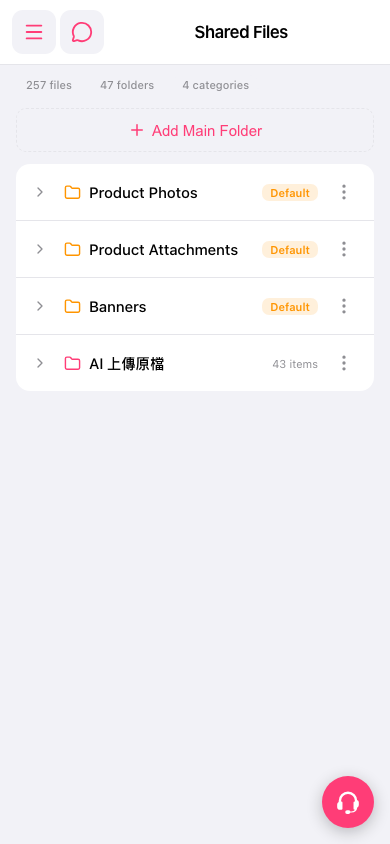
1. On the "Shared Files" page, tap the expand arrow (>) on the left side of a folder row to see its subfolders and files. 2. To manage a folder, tap the "⋮" more options icon on the right side of that row. 3. For the actions in the menu (for example, rename or delete), open the menu and go by what is actually shown on the screen. 4. If you need help, tap the round customer service icon at the bottom right.
 手機版|Shared Files