
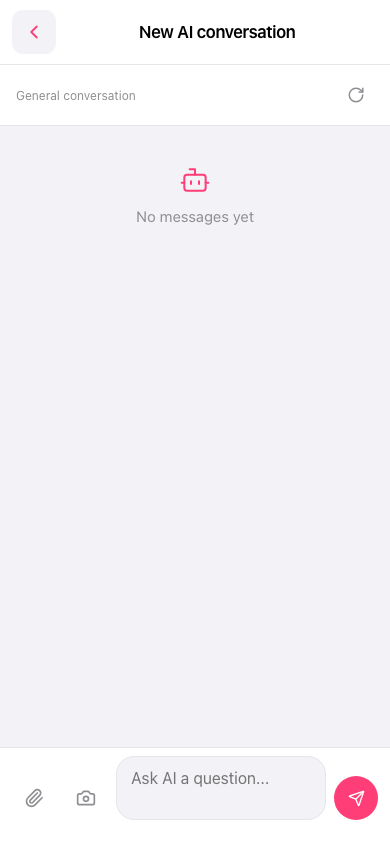
1. In the input bar at the bottom left, tap the paperclip icon to choose a file to upload to the AI, or tap the camera icon to take a photo and upload it. 2. If needed, add an explanation in the "Ask AI a question..." input box, then tap the pink paper-plane button at the bottom right to send. 3. To start the conversation over, tap the refresh icon on the right side of the conversation type bar. This reloads or resets the current conversation. 4. If you just want to leave this page, tap the back arrow (‹) at the top left to return to the previous page.
 手機版|New AI conversation