
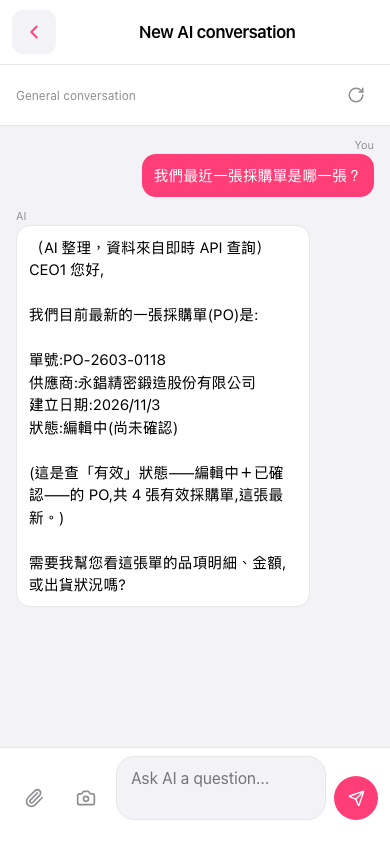
1. To see more information: type a follow-up directly in the "Ask AI a question..." input box at the bottom, such as item details, amounts, or shipping status, then tap the paper plane at the bottom right to send. 2. To start a new topic: tap the refresh icon on the right side of the conversation tag bar (next to General conversation) to reset this conversation. 3. To go back to the previous page: tap the back arrow (<) at the top left.
You can ask: "這張單的品項明細有哪些?" (What are the item details of this PO?) The AI continues with the PO from its previous reply (for example, PO-2603-0118) and answers.
 手機版|New AI conversation